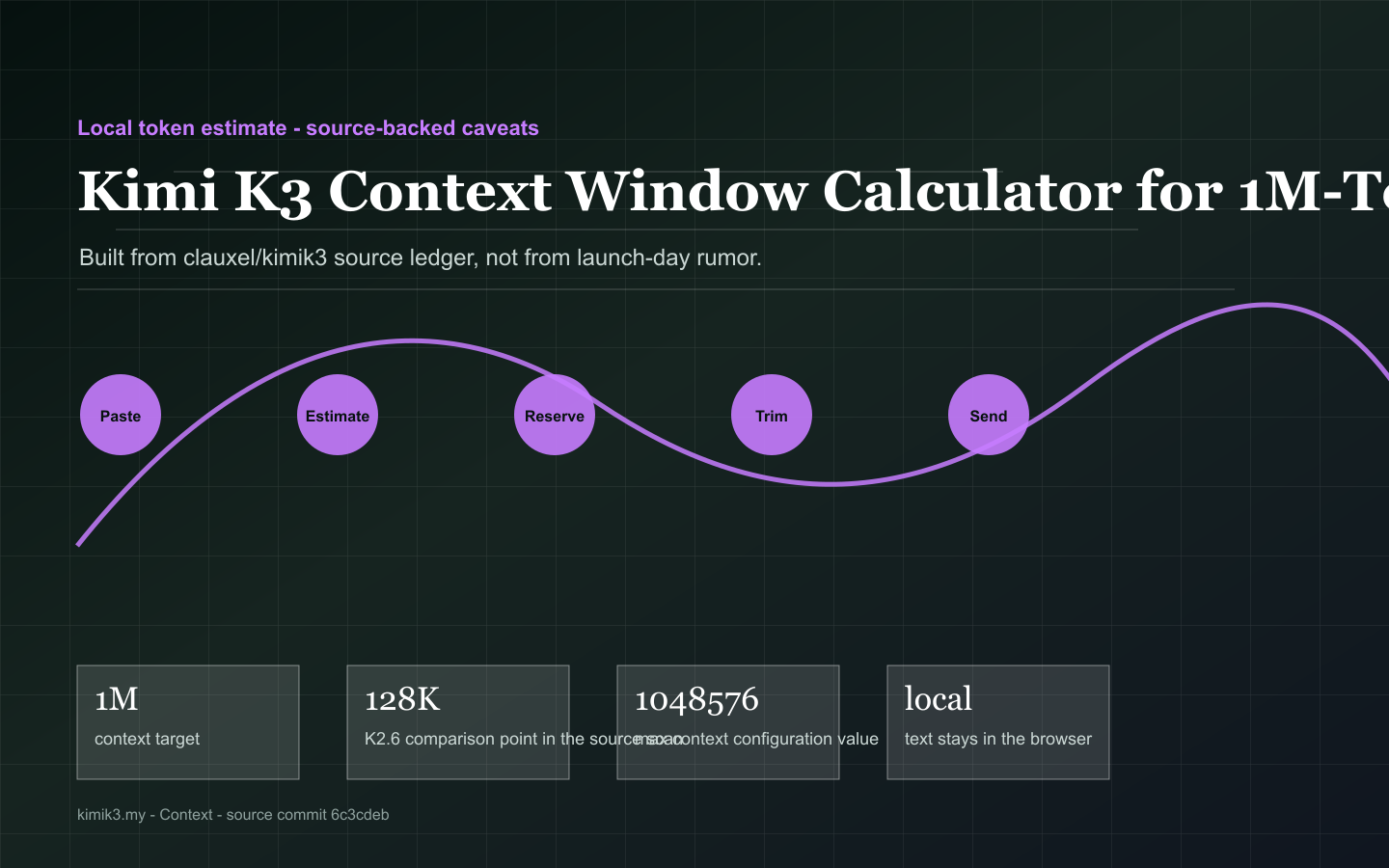
The video is paired with page-specific captions so the moving layer explains the same source-backed path as the text.
Kimi K3 Context Window Calculator for 1M-Token Planning
Paste text locally, reserve answer space, and separate the advertised context ceiling from the product tier and runtime that actually expose it.
Paste
Estimate
Reserve
Trim
Send
Context planner
Estimate prompt size and reserve answer room locally
This is not an official tokenizer. It is a planning aid for spotting oversized prompts before you submit them.
Useful interpretation
What this page helps you decide
Every text section is paired with a visual model so the page can be scanned as a decision guide, not just read as an essay.
A ceiling is not the same as usable evidence
The source ledger tracks official 1M-context language, Kimi model-mode details and Kimi Code configuration. For production, test retrieval accuracy, citation fidelity and latency across the actual provider mode.
A page-specific visual aid derived from the source map.
Reserve output before you paste everything
Long prompts fail quietly when no room remains for reasoning, tool output or the final answer. Use the planner to reserve completion space and trim repeated appendices before sending.
A page-specific visual aid derived from the source map.
Model modes change context behavior
The source scan notes K2.6, K3 and K3 Cluster differences, membership boundaries and reasoning-intensity tradeoffs. Keep those product details next to every context claim.
A page-specific visual aid derived from the source map.
Source notes
Evidence this page is built on
External references are kept here as source notes. They support the page but do not replace the on-page decision tools.
Official Kimi K3 launch blog
Use this for model identity, 2.8T scale, KDA, Attention Residuals, native vision, 1M context, and the pending technical report boundary.