Start with a swappable endpoint contract
Keep API keys server-side, preserve request and response shapes, and log usage metadata without storing private prompts. That gives you a local app today and a cleaner path to future local inference.
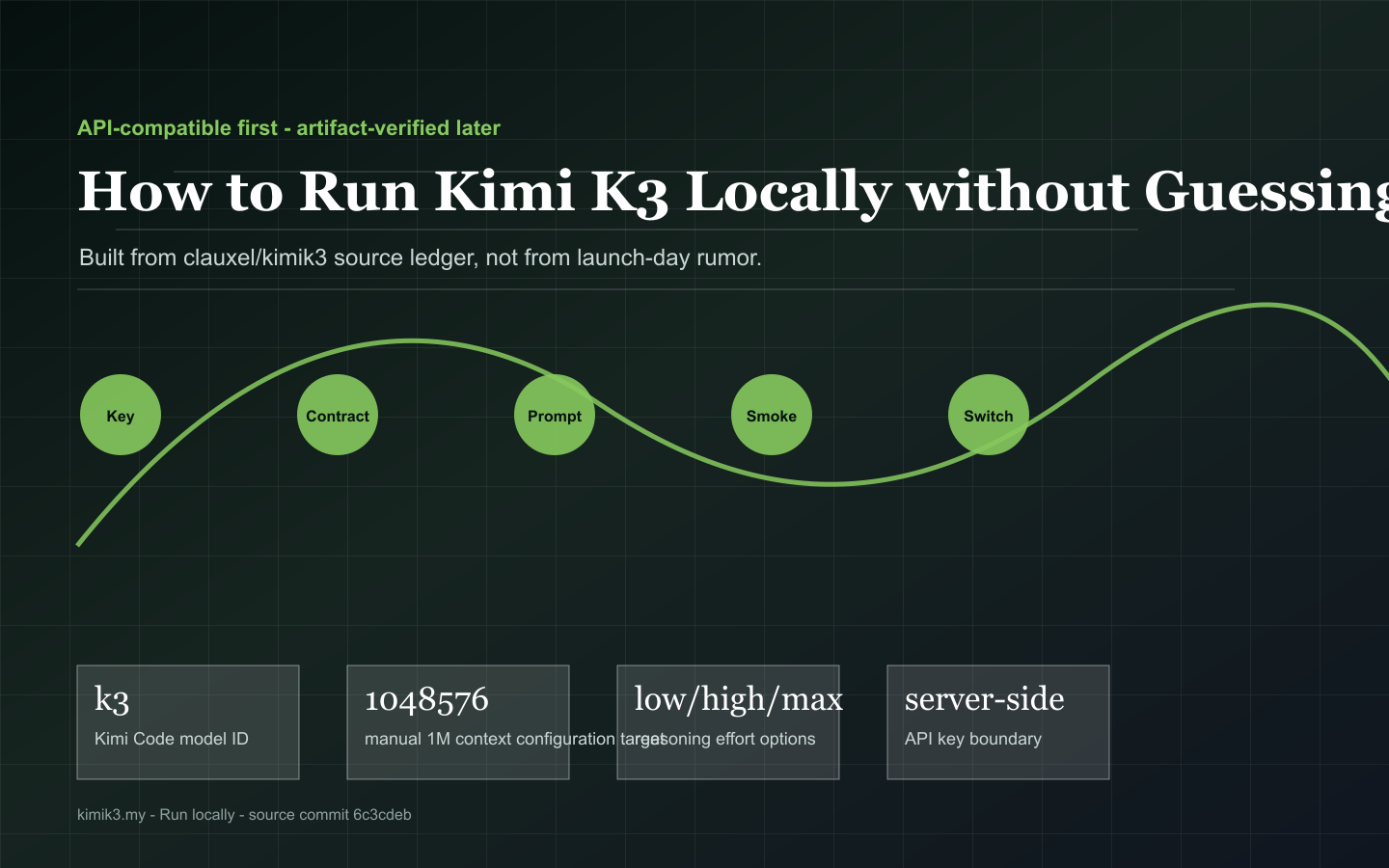
API-compatible first - artifact-verified later
Build a local contract that can call an authorized endpoint now and switch to verified local inference after official weights, license and runtime instructions exist.
Page video
The video is paired with page-specific captions so the moving layer explains the same source-backed path as the text.
Build a local contract that can call an authorized endpoint now and switch to verified local inference after official weights, license and runtime instructions exist.
Runtime checklist
These command shapes are intentionally conservative. They preserve the backend boundary while avoiding fake artifact names.
# Server-side gateway contract
export KIMI_BASE_URL=https://api.moonshot.ai/v1
export KIMI_MODEL=kimi-k3
node local-gateway.mjs
Useful interpretation
Every text section is paired with a visual model so the page can be scanned as a decision guide, not just read as an essay.
Keep API keys server-side, preserve request and response shapes, and log usage metadata without storing private prompts. That gives you a local app today and a cleaner path to future local inference.
The repository explicitly warns that official GitHub and Hugging Face Kimi-K3 weight locations were not found in the scan. Treat third-party placeholders as non-official until Moonshot accounts publish artifacts.
Before tuning performance, record model revision, endpoint, reasoning effort, context setting, tool behavior and a tiny expected output. Repeat the same prompt after each backend change.
Source notes
External references are kept here as source notes. They support the page but do not replace the on-page decision tools.
Use this for OpenAI-compatible base URL, example model name, and language examples.
Use this for reasoning effort, max completion tokens, streaming, vision input, structured output, tools, and limitations.
Use this for Kimi Code model ID, 1M context configuration, and OpenAI/Anthropic compatible coding endpoints.
Use this for K3 availability in Kimi Code and API-key model-list behavior.
Use this to check official repositories and avoid treating third-party Kimi-K3 placeholders as official weights.
Use this to verify whether a Kimi-K3 weight repository appears under the official moonshotai account.
FAQ
Short answers keep limits, dates and source boundaries explicit.
Because the source ledger confirms callable API and Kimi Code references while official Kimi-K3 weights were still pending in the scan.
API keys, provider tokens, prompt logs containing private data, and backend routing secrets.
After official artifacts, model card, license, checksums, tokenizer, chat template and runtime recipe are verified.
Next decisions
Move to the neighboring decision instead of restarting from a search result.